
To share a game with another PSP, your will need to obtain a game displaying the game sharing icon. To share a game, enable the Wi-Fi switch on the PSP you want to share the game from and on any PSP you want to share the game with.
Browse to the game sharing option in the game you want to share and access the Game Sharing Icon on the other PSP(s) to search for the game.

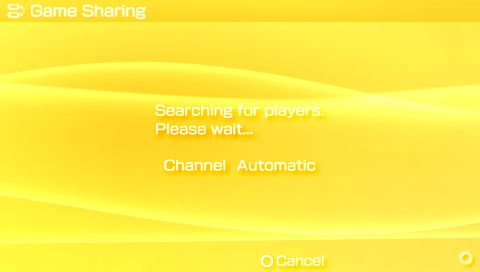
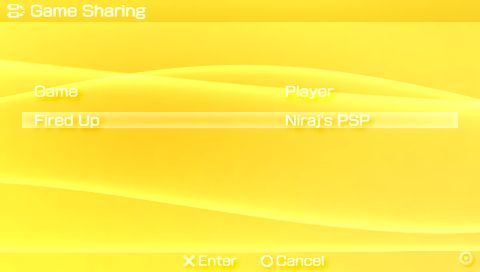
When prompted, select the game available to share.
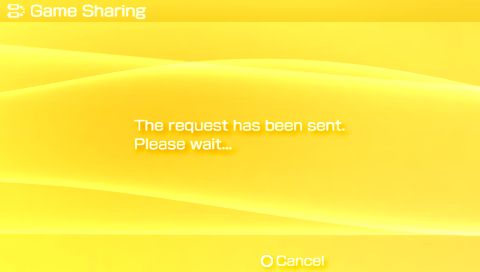
On the PSP that is sharing the game, accept the transfer and wait until the transfer is complete. Follow the instructions in the manual of the game to begin multi-player gaming!
